How to Audit Your Own Social Media in an Hour
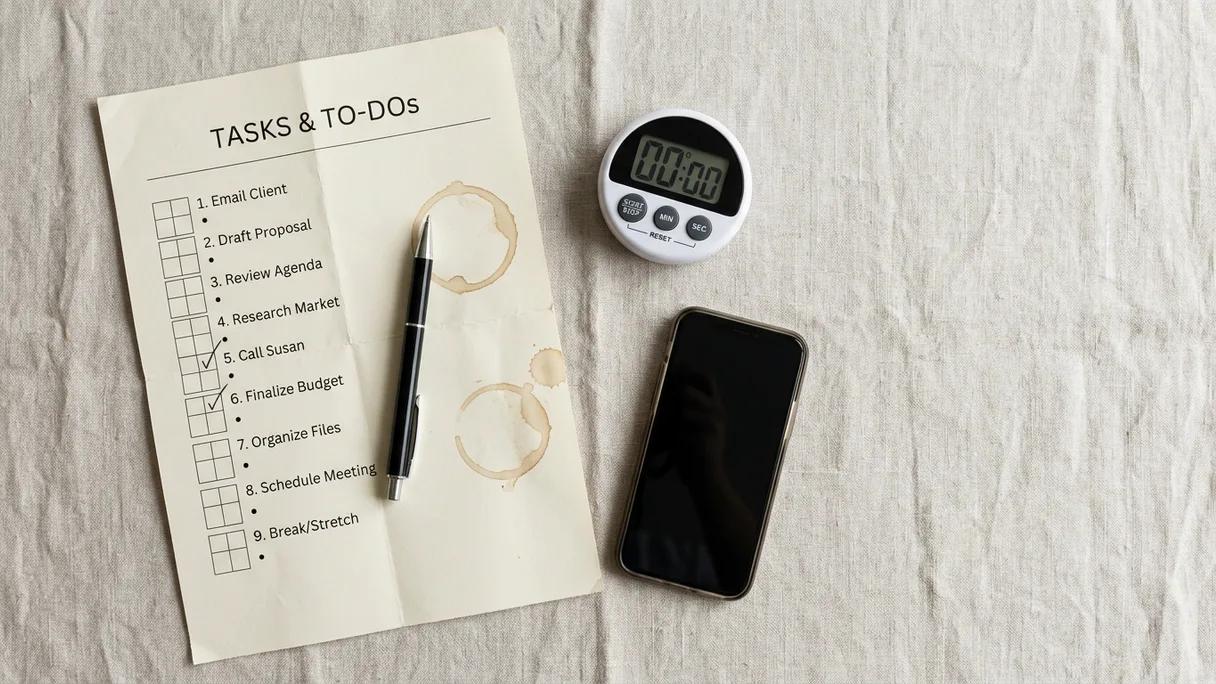
Most small businesses never audit their social media because the word "audit" sounds like a weekend lost to spreadsheets. It isn't. A useful self-audit is one focused hour with a timer, and it answers three questions: Where do I actually have a presence? What's working? And what should I change? Set a 60-minute timer, open a blank note, and work the four steps below.
What am I actually auditing — and what can I skip?
You're auditing your own accounts: the profiles, the last 90 days of posts, and the numbers your platforms already hand you for free. That's it. You are not auditing your competitors, building an attribution model, or scoring every post one by one. Those are real projects, but they aren't what gets you unstuck in an hour.
Keep it small because an honest, finished audit beats a perfect, abandoned one. Quarterly is a sensible cadence — once every few months, plus a pass after any big campaign or a long quiet stretch. If you've never done one, today counts as quarter one.
Where do I even have accounts? (10 minutes)
Open your note and list every social account tied to your business. Not just the ones you use — the ones that exist. The forgotten Facebook page, the Twitter/X handle from 2019, the Pinterest you set up once, the second Instagram a contractor made. Search your business name on each platform if you're not sure.
For each account, write one of three words: active, dormant, or dead. Active means you've posted in the last month. Dormant means it's real but quiet. Dead means it's an empty shell or a duplicate. This list alone is worth the hour. A dormant profile that still ranks in search sends visitors to a page that looks like you went out of business — and about half of social media users now visit platforms specifically to learn about brands before they decide to trust them, per DataReportal's Digital 2025 report. A ghost-town profile is a quiet "no."
Decide the fate of each dormant or dead account now: revive it, redirect it (update the bio to point people to where you're active), or close it. Don't leave half-dead profiles wandering the internet with your name on them.
Does each live profile actually look ready? (15 minutes)
For every account you marked active, or dormant-but-keeping, open it on your phone the way a stranger would. Spend two to three minutes per profile checking the boring stuff that quietly costs you customers:
- Profile photo and name are current and recognizable (the same logo or face across platforms)
- The bio says what you do, for whom, and where you're based — in plain words, not clever ones
- The link works and goes somewhere useful (your site, your booking page, not a dead URL)
- Contact info, hours, and location are correct
- The pinned post or first row of content reflects what you actually sell now
Fix anything broken on the spot — these are two-minute jobs you'll otherwise never get to. Also confirm you still control the account: check who has admin access and that two-factor authentication is on. Locked-out or ex-contractor-controlled profiles are more common than people admit, and the time to find out is now, not during a crisis.
What's actually working? (25 minutes)
This is the part that pays off, and it's faster than you fear because the platforms do the math for you. Open the built-in analytics on each active account — Instagram Insights, TikTok Analytics, your Facebook or LinkedIn page stats. Set the window to the last 90 days.
For each platform, find two things: your top 3 posts and your bottom 3 posts by engagement or reach. Don't agonize over which metric — pick reach or engagement and stay consistent. Screenshot them or jot them down. Now look for patterns across the winners and the losers:
- Format: were the winners video, photo, carousel, or text?
- Topic: behind-the-scenes vs. promotion vs. tips vs. results — which theme keeps showing up on top?
- Hook: what do the first three seconds, or the first line, of the winners have in common?
- Timing and frequency: are your best posts tied to when or how often you post, or is it really about the content?
One caution before you judge yourself: engagement rates are low everywhere, and that's normal. In Buffer's analysis of millions of posts from January 2024 to January 2025, the median engagement rate was about 1.16% on Instagram, 4.86% on TikTok, and 5.07% on Facebook — medians across the whole platform. The point of the audit isn't to hit some imaginary number. It's to compare your posts to your own posts and notice what your audience responds to.
Write down the single clearest pattern you find per platform. Something like: "On Instagram, behind-the-scenes Reels with my face beat polished product photos every time." That sentence is worth more than any dashboard.
What three things will I change? (10 minutes)
An audit you don't act on is just worry with extra steps. Close it out by writing exactly three changes — no more. Three is enough to matter and few enough to actually do. Draw them straight from what you just learned:
- A do-more: the format or topic that kept winning. "Post two short videos a week instead of one photo."
- A do-less or stop: the thing that consistently flopped, or the account you're closing. "Stop reposting generic quote graphics."
- A fix: the one profile or link problem with the biggest payoff. "Update the bio and link on the dormant Facebook page to point to Instagram."
Put a date on each. Then put a 60-minute hold on your calendar three months from now and title it "social audit." That recurring hour turns a one-time cleanup into a habit, which is where most of the value adds up.
How do I keep this from eating my whole week?
The audit tells you what to make more of; the harder part is actually making it, week after week, on top of running the business. That's the gap most plans die in. If turning your findings into a steady stream of posts is the bottleneck, that's the specific job Laspi Pro is built for: you record a two-minute voice note about what's new and add a few photos, and it drafts a week of posts tailored to each platform from your own material — you approve and publish. The audit sets the direction; a system like that keeps you pointed there without facing a blank page every Monday.
However you produce the content, the hour you spent today already did the important work. You know which accounts are real, which ones to retire, what your audience actually responds to, and the three moves that matter most. That's a strategy — a short, honest one you can hold in your head, which is the only kind that survives a busy week.
Frequently asked questions
- How long should a social media audit take?
- A focused self-audit for a small business takes about an hour: roughly 10 minutes to list your accounts, 15 to check each profile, 25 to review your top and bottom posts, and 10 to decide on changes. A full agency-style audit with competitor analysis and attribution takes longer, but you don't need that to make better decisions this month.
- How often should I audit my social media?
- Quarterly is a good rhythm for most small businesses — once every three months, plus an extra pass after a big campaign or a long quiet stretch. Block a recurring hour on your calendar so it actually happens instead of being something you mean to do.
- What metrics should I look at in a social media audit?
- Start with reach and engagement over your last 90 days, using the free analytics each platform already gives you. Find your top and bottom few posts and look for patterns in format, topic, and hook — comparing your posts to your own posts matters more than chasing platform-wide benchmarks.
- What's a good engagement rate for a small business?
- There's no universal target, and rates are low across the board — Buffer's 2024–2025 data put the median around 1.16% on Instagram, 4.86% on TikTok, and 5.07% on Facebook. Judge your performance against your own past posts and your business goals, not against an arbitrary number.
- Should I delete inactive social media accounts?
- Either revive them, redirect them, or close them — don't leave them as empty ghost towns with your business name. A dormant profile that still shows up in search can make you look closed, so at minimum update the bio and link to point people to where you're actually active.
Sources
- DataReportal — Digital 2025 Global Overview Report, 2025 — Half of adult social media users (50%) now visit platforms to learn about brands and see the content they publish, up from 47.7% in Q4 2022.
- Buffer, 2025 — Median engagement rates from Jan 2024–Jan 2025 were 1.16% on Instagram, 4.86% on TikTok, and 5.07% on Facebook, measured as total interactions divided by total impressions across millions of posts.