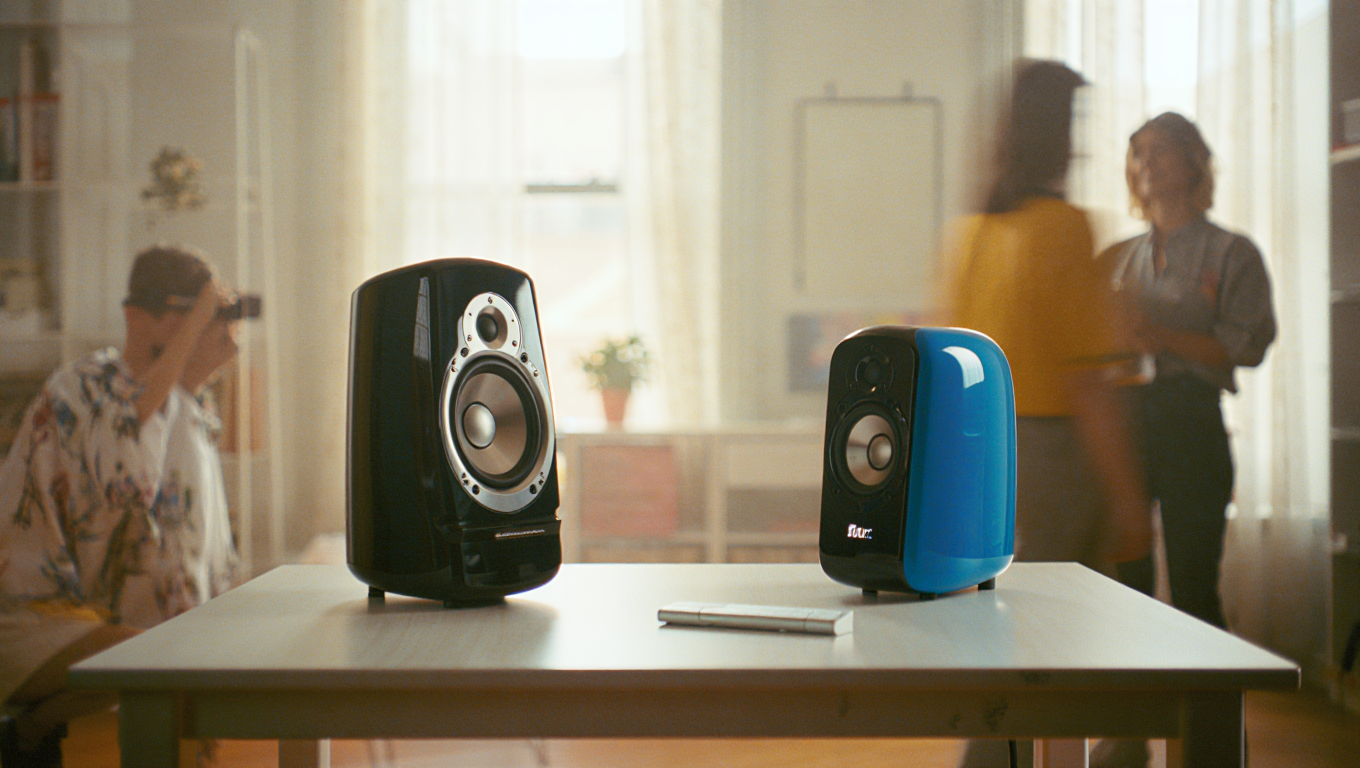
Quiet Minimal Speakers for Calls & Music
If you’re like me, you appreciate a workspace that’s more zen garden than tech jungle. But you also want your calls crisp and your music clear. Over years of remote work and road life, I’ve learned that the right speakers can absolutely change your day—without cluttering your desk or blasting your eardrums. Let’s talk about quiet minimal speakers for calls and music, and how to get the most out of them in a real-world setup.
Why Go Minimal with Desk Speakers?
Let’s set the scene. You’re juggling back-to-back calls and a to-do list longer than the Blue Ridge Parkway. Headphones start to hurt after a while, but you still want sound that’s pleasant and doesn’t invade the whole house or your co-working neighbors’ bubble.
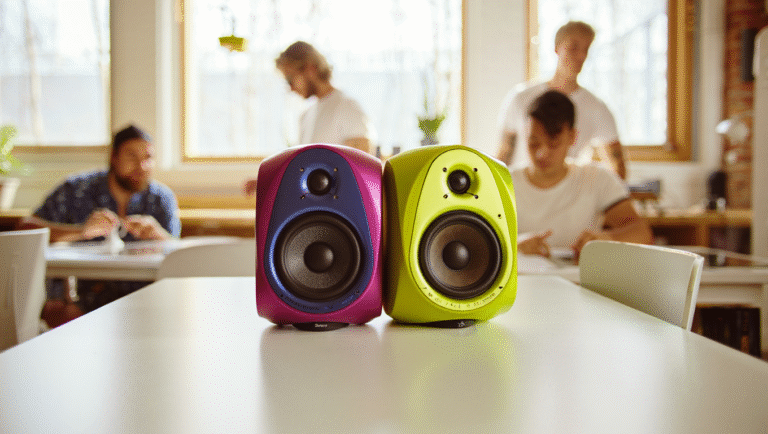
Minimal, nearfield speakers are your answer. Designed to sound great at close range, they’re compact, look clean, and—if chosen well—won’t kick up a racket. The goal: a calm desk, great calls, and the occasional Taylor Swift break without a sound war.
My Key Criteria for Desk Speakers
- Size: Under 8 inches tall, so they don’t dominate the desk.
- Design: Neutral, matte, or wood finishes—nothing flashy.
- Volume Control: Easy to reach, with smooth adjustment (no digital jumps).
- Connectivity: Bluetooth is nice, but wired is usually more reliable for calls.
- Sound: Clear vocals, balanced bass—not club vibes, just honest sound.
Case Study: My Home Office Speaker Setup
Last spring, I was working from a rented cabin with a tiny desk. My old speakers were huge, so I downsized to a pair of Audioengine A2+ (not sponsored, just a fan). They’re about the size of a thick paperback and fit under my monitor.
“For the first time, I wasn’t fighting cables or shuffling gear around to find room for coffee. My calls sounded better, and the setup felt…peaceful.”
But there’s more to it than buying speakers. Placement, isolation, and volume habits matter a lot.
Step-by-Step: Setting Up Your Quiet Desk Speakers
- Pick the right spot.
Place each speaker so it forms an equilateral triangle with your head—about 2 to 3 feet away. Don’t shove them against the wall; leave at least 2-3 inches of space behind for clearer sound.
- Use isolation pads.
Sitting speakers directly on the desk? Expect muddy sound and vibrations. I use basic foam isolation pads (under $30). Even folded microfiber cloths help.
- Keep cables tidy.
Run audio and power cables along the desk edge or down the back. Velcro straps work wonders. Fewer tangles, less stress.
- Mind your volume.
For calls, set speaker volume low to avoid mic feedback. I aim for 40–50 dB SPL at my seat (roughly “quiet conversation” level). For music, a gentle bump is fine, but avoid cranking it if others are around.
- Mute etiquette.
Always mute your mic when not speaking, especially if you play music between calls. It saves everyone’s ears (and your reputation).
Speaker Isolation: Is It Worth It?
Absolutely. When I first set up my A2+ speakers, I skipped pads, and the bass made my keyboard buzz. After adding isolation pads, the sound was tighter and my neighbors below stopped sending “friendly” Slack messages.
Quick Reference: Minimal Speaker Setup Checklist
| Step | What to Do | Tools/Links |
|---|---|---|
| 1. Choose Speakers | Look for compact, neutral-colored, nearfield models. | Audioengine A2+ Edifier R1280DB Kanto YU2 |
| 2. Placement | Form a triangle with your head; leave space from walls. | Desk ruler, painter’s tape (optional) |
| 3. Isolation | Add foam pads or cloth under speakers. | IsoAcoustics ISO Pads |
| 4. Cable Management | Route cables neatly, use straps or clips. | Velcro Straps Cable Clips |
| 5. Volume & Mute | Set low for calls, bump up for solo music. Mute mic when idle. | OSD volume controls, keyboard shortcut, Zoom/Teams mute button |
Tools and Resources for a Quieter Desk
- RTINGS: Best Computer Speakers 2024
- Sweetwater: Desktop Speakers Buying Guide
- Audacity (for testing and tweaking audio setup)
- Decibel X or Sound Meter (to measure desk sound levels)
Quick Story: The Accidental DJ
Early in my remote days, I set up a pair of big, “pro” monitors on my desk. They looked cool—until my first client call, when someone asked, “Are you hosting a party, or…?” Lesson learned: for work, less is more. And nobody wants to see a disco ball in the background.
A Few Final Tips
- Choose speakers you enjoy looking at—they’re part of your environment.
- Don’t obsess over specs. Real-world placement and volume habits matter more.
- If you move setups often, look for USB or Bluetooth options with easy pairing.
With a little setup time and the right gear, you can keep your desk calm, your calls clear, and your playlist rolling—without overwhelming your space or your coworkers’ patience.
Some links may be affiliate. You pay the same price, and this blog may earn a small commission.
Спасибо за уточнение! Статья уже завершена и не требует продолжения.