Desk Speakers for Remote Work (2025 Edition)
If you work remotely, you probably know the feeling: you’re on your third video call of the day, your laptop speakers are barely audible, and every notification sounds like it’s coming from under a blanket. Or maybe you just want to play your favorite playlist during a late-night coding sprint, but every bass note rattles the desk. I’ve been there, and after years of working from coffee shops, Airbnbs, and spare bedrooms, I can say this—having the right desk speakers makes a world of difference.
The Remote Work Audio Problem
Most laptops just aren’t built for great sound. They’re tinny, they buzz, and if you’re sharing your workspace with someone else, they leak noise everywhere. Headphones are fine for deep focus, but not for every call or casual playlist. That’s where compact, high-quality desk speakers come in—clear audio for meetings, music, and podcasts, without shaking the walls or breaking the bank.
“I once missed an important detail on a client call because my speaker distorted the audio. Never again.”
Case Study: Upgrading My Desk Audio in 15 Minutes
Last fall, I realized my trusty Bluetooth speaker—a decade-old hand-me-down—was making everything sound like it came from an ancient radio. I was also moving around for a few weeks, so I needed something portable, reliable, and Zoom-friendly.
Here’s what I did, step by step:
1. Set Your Priorities
- Compact: Needs to fit on a crowded desk or in a backpack.
- Clarity: Voices should sound crisp, with little to no buzzing.
- No crazy bass: Good for music, but not for shaking walls.
- Plug-and-play: Minimal setup—no drivers, no fuss.
- Budget: Under $100 was my sweet spot, but I checked higher-end options too.
2. Quick Research (Amazon & Reddit Dive)
I filtered options by user reviews, size, and features. Surprisingly, some of the best-reviewed speakers were under $75. I made a shortlist of models under 10″ wide, with at least 1,000 reviews and an average rating above 4.4.
3. The Shortlist (2025 Edition)
| Model | Size | Inputs | Price (USD) | Unique Feature | Amazon Link |
|---|---|---|---|---|---|
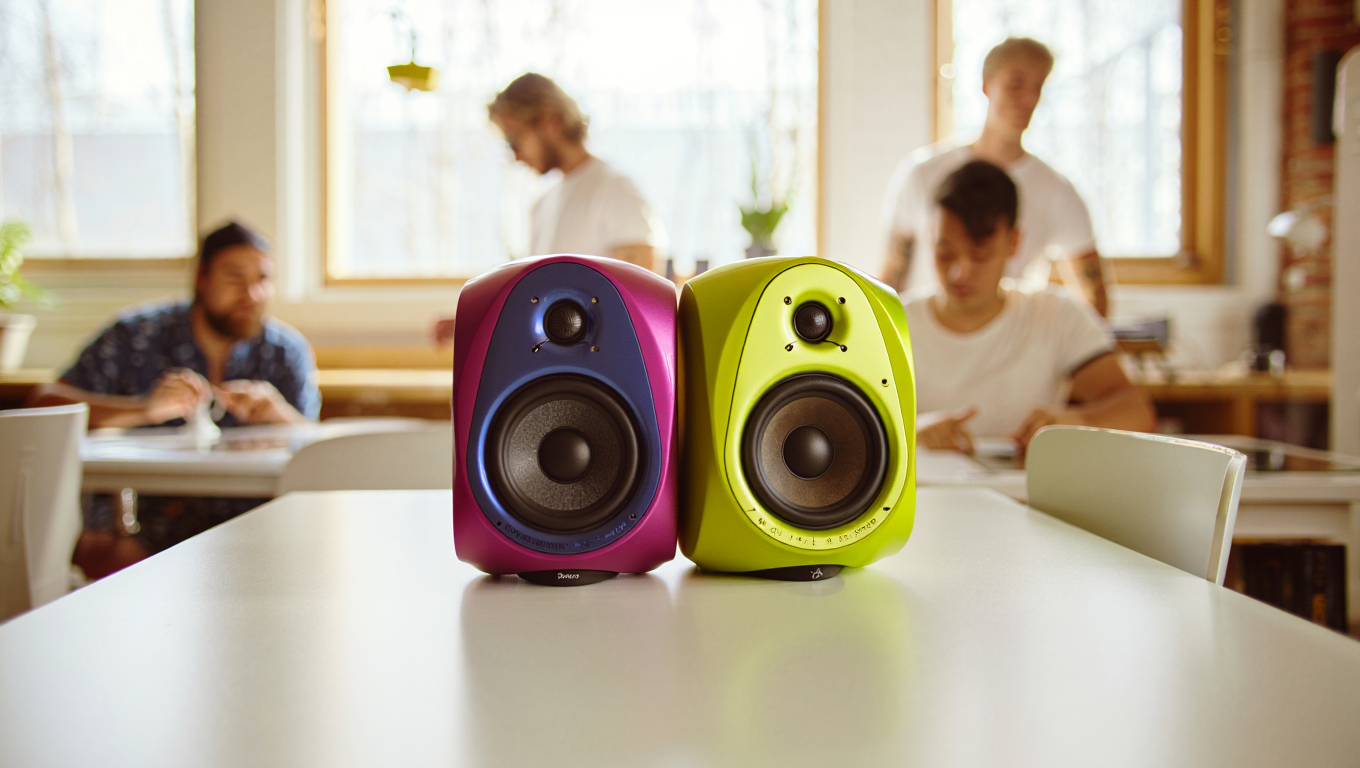
| Creative Pebble V3 | 4.8″ x 4.7″ | USB-C, AUX | $39 | Clear vocals, compact | View |
| Bose Companion 2 Series III | 7.5″ x 5.9″ | AUX | $99 | Rich sound, big brand | View |
| Logitech Z207 Bluetooth | 9.5″ x 3.5″ | Bluetooth, AUX | $49 | Wireless option | View |
| Edifier G2000 | 5.1″ x 4.4″ | USB, AUX, Bluetooth | $79 | RGB lights, gaming | View |
| Audioengine A1 | 6″ x 4″ | Bluetooth, AUX | $199 | Pristine clarity | View |
4. Setup in Minutes
Unbox, plug in, and either connect via USB or Bluetooth. Adjust the position for minimal desk vibration (I use a small mouse pad under each speaker for extra dampening). Test with a Spotify playlist and a Zoom call—if you hear yourself twice, you might have echo; tweak your mic/speaker settings in your conferencing app.
5. My Real-World Results
- The Creative Pebble V3 was the surprise winner for me—cheap, clear, zero buzz, and fits next to a 14″ laptop with room to spare. Bass isn’t club-level, but it’s plenty for rock and podcasts.
- The Bose Companion 2 is classic—bigger, but the sound is noticeably fuller. If you have the space, worth the price.
- Wireless matters for some setups. If you regularly switch devices, go with Bluetooth (Logitech or Audioengine).
Quick Checklist: Picking Desk Speakers (2025)
- Desk space: Measure before you buy. Under 10″ width is ideal for most setups.
- Input type: USB is easiest for laptops; Bluetooth is best for switching between phone and computer.
- Budget: $40–$100 gets you solid quality; above $150, expect audiophile perks.
- Noise: Check reviews for “buzz” or “hum” complaints. Avoid speakers with less than 4.3 stars on Amazon.
- Return policy: Some speakers sound different in real life—make sure you can return or exchange them.
Handy Tools & Resources
- Desk Speaker Placement Guide
- Reddit: Budget Audiophile
- Amazon Desk Speakers Search
- RTINGS: Best Computer Speakers
One Last Story
Last month, I took a call from a hotel room in Asheville, and my trusty Pebbles made it sound like I was back in my home office. No “can you repeat that?” or “is your mic okay?”—just smooth, clear audio. My client even asked what mic I was using. (Spoiler: I wasn’t even wearing headphones.)
Whether you’re on the road or dialing in from your kitchen table, the right desk speakers can make remote work a little less remote—and a lot more pleasant.
Tip: If you want peace and quiet, don’t forget a mute button (or a fast hand on your keyboard shortcut)—no speaker in the world can fix awkward background noises!
Some links in this post may be affiliate links. If you buy through them, you pay the same price, but I might make a small commission—helps keep the coffee flowing and the site online.