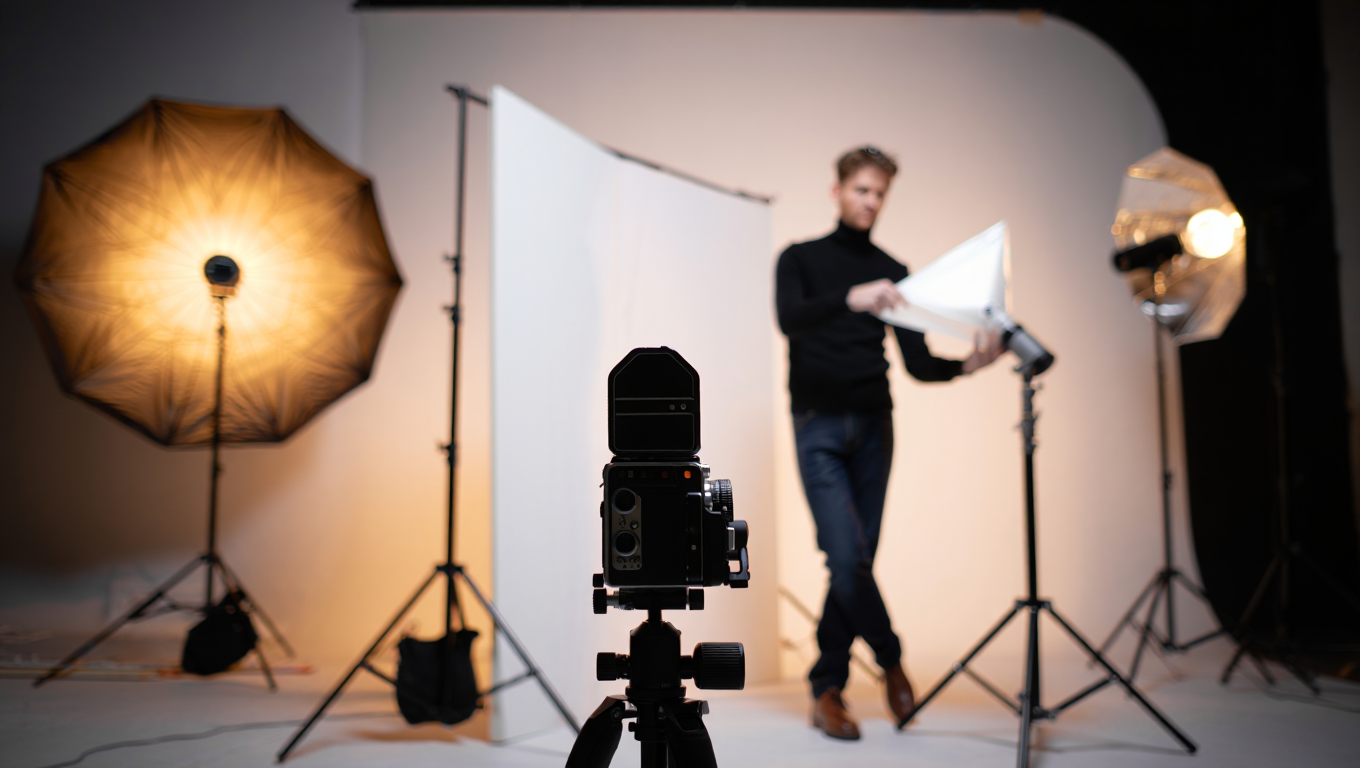
Creator Gear on a Budget
Getting started with video creation, podcasting, or streaming is way less intimidating than it used to be—but let’s be honest, the gear rabbit hole is deep and expensive. If you’re like me, you want your setup to look and sound professional without taking out a second mortgage. After years of trial, error, and budget juggling, I’ve built out kits for every price point, so you don’t have to reinvent the wheel (or max out a credit card).
Why “Good Enough” Beats “Perfect”
*Spoiler:* Most viewers and listeners care way less about your $2,000 camera than about your story, clarity, and vibe. Seriously. I’ve shot interviews with a webcam and a lamp that outperformed friends’ “cinematic” setups—just because my lighting and audio were dialed in.
“Don’t let a lack of fancy gear stop you. The best tool is the one you can use right now.”
Let’s break down a few wallet-friendly starter kits, covering:
- Lighting (key, fill, back/rim)
- Microphones (lavaliers, shotgun, USB)
- Tripods, clamps, and mounting hacks
- A ‘good enough’ camera approach for each tier
Case Study: Launching My Stream in a Week
Three years ago, I challenged myself to stream weekly—on a budget of $200. I needed something quick, portable, and family-approved (bonus points for not blinding the baby). Here’s how I hacked it together, and what I’d do differently for $50, $300, or $700 today.
The $50 “Just Hit Record” Kit
Perfect for: First-timers, students, or anyone proving a concept. This is the bare minimum to sound and look decent on YouTube or a podcast.
| Component | Example Product | Placement Tips |
|---|---|---|
| Lighting | Clamp lamp + daylight LED bulb (~$12 at hardware store) | 45° angle from your face, slightly above eye level, bounce off a wall for softening |
| Microphone | Wired lavalier (e.g., Boya BY-M1, ~$18) | Clip to shirt, just below collarbone, cable hidden under shirt |
| Tripod | Basic phone tripod (~$10, Amazon) | Height: just above table, camera at eye level |
| Camera | Your smartphone (rear camera, 1080p) | Clean lens, use grid lines for framing |
Quick Placement Diagram
- Key light: Clamp lamp on bookshelf, 3 feet from face, angled down
- Phone: Tripod on desk, rear camera facing you
- Mic: Lavalier clipped, cable runs to phone or laptop
Pro tip: If you have an extra lamp or a window, use it as fill/backlight. Free is good.
The $300 “Stepping Up” Kit
Perfect for: Regular creators, podcasting pairs, or streamers who want to look noticeably better without a ton of setup.
| Component | Example Product | Placement Tips |
|---|---|---|
| Lighting | 2x LED panel lights (Neewer 660, ~$85/pair) | Key at 45°, fill opposite, both 3–4 ft from face, diffused with included softbox |
| Back/Rim Light | RGB LED stick (Ulanzi, ~$35) | Placed behind you, angled to separate you from background |
| Microphone | USB condenser (Fifine K669B, ~$40) | 6–12 inches from mouth, off-axis to reduce plosives, on boom arm |
| Tripod | Adjustable desktop tripod (~$20) | Camera at eye level, stable base |
| Camera | External webcam (Logitech C920, ~$60 used) | Framed mid-chest up, background tidy |
Placement Diagram
- Key light: 45° to dominant side, 3 ft out
- Fill light: 45° on opposite, dimmer or diffused
- Back light: RGB stick behind chair
- Mic: USB mic off to side, just out of frame
- Webcam: On monitor or tripod, eye level
Hack: Use a cheap reflector (even a white poster board) to bounce fill light if you only have one panel.
The $700 “Serious but Sensible” Kit
Perfect for: Solo creators ready to level up, interview podcasts, or streamers who want pro quality without studio prices.
| Component | Example Product | Placement Tips |
|---|---|---|
| Lighting | 3x LED panels (Godox SL-60W + 2x Neewer 660s, ~$300 total) | Key at 45°, fill opposite, back/rim behind subject, all diffused |
| Microphone | Shotgun mic (Deity D3 Pro, ~$140) + boom arm | Out of frame, angled at mouth, 12–18 inches away |
| Tripod | Full-size tripod (Manfrotto Compact, ~$80) | Stable, allows standing or seated shots |
| Camera | Used mirrorless (Sony a5100, ~$180) + dummy battery | Manual exposure, lens at f2.8–3.5, HDMI to capture card for streaming |
| Capture Card | HDMI-USB (Elgato Cam Link alternative, ~$40) | Connects camera to computer for streaming/recording |
Placement Diagram
- Key light: Godox SL-60W 45° to face, with softbox
- Fill light: Neewer panel on other side, lower intensity
- Back/rim light: Neewer panel behind, colored gel optional
- Mic: Shotgun on boom, overhead or off to the side
- Camera: Mirrorless at eye level, tripod 5–7 ft away
Trick: A used mirrorless camera beats any webcam. For podcasts, shotgun mics are less “in your face” than big desk mics if you place them well.
Checklist: Building Your Kit in 15 Minutes
- Set your budget (seriously, write the number down)
- List what you already own (phone, lamps, headphones, tripods)
- Pick a kit above or mix/match components
- Order online, or hit up local stores for last-minute finds
- Block out 30 minutes to set up and test everything
- Use free software for video (OBS Studio, Audacity, StreamYard)
- Make a 1-minute test recording—watch/listen for hiss, shadows, awkward angles
- Iterate: Move one thing at a time. Lighting fixes 80% of problems for free.
Essential Links & Tools
- OBS Studio (free, for streaming and recording)
- Audacity (free audio editor)
- StreamYard (browser-based streaming, free tier)
- Amazon (cheap gear, check used/renewed for deals)
- B&H Photo Video (pro gear, used section for bargains)
- Facebook Marketplace (local gear steals)
Final Thoughts: Don’t Let Gear Anxiety Win
I’ve shot videos with a sock for a windscreen, balanced a phone on cereal boxes, and even used a $10 lamp as my “key light” for months. Yes, better gear helps—but knowing how to place and use it is everything. Start small, upgrade as you grow, and focus on the stuff that matters: your story, your sound, your presence. You got this!
Some links above may be affiliate. You pay the same price, and this blog might earn a small commission. That’s how I keep the lights (and the LED panels) on—thanks for your support!