Best Laptops for Remote Work and Travel (2023)
When you’re working remotely and traveling, your laptop turns into your office, your coffee shop, your whiteboard, and occasionally your movie theater. If you’re a developer, the stakes are even higher—no one wants to debug a production issue on a laptop that’s running hot, out of juice, or has a weird keyboard layout. Over the years, I’ve tried everything from featherweight ultrabooks to 16-inch workhorses. Here’s a practical, no-nonsense guide to finding the best laptop for remote work and travel in 2023.
What Actually Matters When Choosing a Travel Laptop?
I used to obsess over processor benchmarks and RAM specs, but after a few years on the road, I realized that real-world usability is what matters most. Here’s what you should care about, especially as a developer:
- Battery life (can it last a cross-country flight or a few hours in a café with bad outlets?)
- Weight (you’ll feel every ounce in your backpack at the end of a travel day)
- Screen quality (your eyes will thank you after 8 hours of coding)
- Keyboard (because typos are not just embarrassing, they’re bugs)
- Thermals & noise (hot laptops make for sweaty laps and loud meetings)
- Ports (dongle life is real—the fewer you need, the better)
Pro tip: Don’t just trust the manufacturer’s battery claims. Real usage—browser tabs, VS Code, Docker containers—will drain it faster than you think.
Three Budgets, Three Recommendations
Let’s break it down into three realistic budgets. For each, I’ll recommend a laptop that I’ve used or tested, plus the essential accessories that make travel life easier.
Budget #1: Under $1,000 – The Solid Starter
Laptop: Lenovo IdeaPad Slim 7i (14″, 2023)
- Weight: 2.8 lbs (1.3 kg)
- Battery life: ~9 hours (real-world use: 6-7 hours coding, Slack, Chrome)
- Screen: 14″ 1920×1200 IPS, bright enough for most cafes
- Keyboard: Excellent travel, full-size arrow keys
- Ports: 2 x USB-C, 2 x USB-A, HDMI, microSD
- Thermals: Quiet under moderate loads, gets warm but not hot
For the price, the Slim 7i punches above its weight. I ran VS Code, Docker, and a couple of browser windows with no slowdowns. The keyboard is way better than you’d expect at this price point.
Accessories:
- UGREEN USB-C Hub (HDMI, extra USB-A, SD card reader—about $40)
- MOFT Invisible Laptop Stand (ultralight, $25)
- Anker Nano II 65W Charger (tiny, $39)
Budget #2: $1,000–$1,800 – The Sweet Spot
Laptop: Apple MacBook Air M2 (13.6″, 2023)
- Weight: 2.7 lbs (1.24 kg)
- Battery life: 15–17 hours (real-world: 10–12 hours dev use, yes really)
- Screen: 13.6″ 2560×1664 Retina, fantastic color and brightness
- Keyboard: Scissor switch, quiet, great for long sessions
- Ports: 2 x Thunderbolt/USB-C, MagSafe
- Thermals: Fanless, completely silent
I’ve coded on this thing for 12 hours straight and still had battery left for Netflix at the end. The only real downside is port selection—get ready for dongle life. But the performance per watt is unbeatable, and the build quality is a win for travelers.
Accessories:
- HyperDrive 6-in-1 USB-C Hub (HDMI, USB-A, SD—$69)
- Roost Laptop Stand (folds flat, $75)
- Anker 511 Nano 30W Charger (super compact, $22)
If you’re not in the Apple ecosystem, check out the Dell XPS 13 Plus. Similar weight, great screen, but battery life is about 7–8 hours real-world.
Budget #3: $1,800+ – The No-Compromise Workhorse
Laptop: Lenovo ThinkPad X1 Carbon Gen 11 (14″, 2023)
- Weight: 2.5 lbs (1.14 kg)
- Battery life: 12–14 hours (real-world: 9–10 for dev tasks)
- Screen: 14″ 2240×1400 IPS, anti-glare, or upgrade to 2.8K OLED
- Keyboard: The best in the business, period
- Ports: 2 x Thunderbolt 4, 2 x USB-A, HDMI, headphone, microSD
- Thermals: Cool, quiet, never throttles under load
This is my current daily driver. If you want to work from anywhere, all day, with zero compromise, the X1 Carbon is the gold standard. The keyboard alone is worth the premium if you type for a living.
Accessories:
- Anker PowerExpand 8-in-1 USB-C Hub (Ethernet, HDMI, SD, $85)
- Nexstand K2 Laptop Stand (light and sturdy, $29)
- Lenovo 65W USB-C Slim Charger (tiny, $49)
Quick-Compare Table: Specs That Matter (2023 Models)
| Model | Weight | Battery (real dev use) | Screen | Ports | Keyboard | Thermals |
|---|---|---|---|---|---|---|
| Lenovo IdeaPad Slim 7i | 2.8 lbs | 6–7h | 14” FHD IPS | USB-C x2, USB-A x2, HDMI, microSD | Great | Quiet/Warm |
| MacBook Air M2 | 2.7 lbs | 10–12h | 13.6” Retina | USB-C x2, MagSafe | Excellent | Silent/Cool |
| ThinkPad X1 Carbon Gen 11 | 2.5 lbs | 9–10h | 14” 2K IPS (or OLED) | USB-C x2, USB-A x2, HDMI, microSD | Best-in-class | Cool/Quiet |
15-Minute Setup Checklist: Ready for Remote Work
- Update OS and drivers (Windows Update, macOS, or Lenovo Vantage)
- Install dev tools (VS Code, Docker, Git, whatever you need)
- Configure cloud backup (OneDrive, iCloud, Dropbox)
- Set up password manager (Bitwarden, 1Password)
- Plug in hub, connect stand
- Set up power profiles (optimize for battery or performance)
- Test Wi-Fi and webcam (before you need them in a call!)
- Download offline docs (because café Wi-Fi is a lie)
Tools & Links Worth Bookmarking
- RTINGS Laptop Battery Tests – Real-world battery benchmarks
- DisplayNinja – For screen and panel reviews
- iFixit – For travel repair kits and guides
- Notion – My go-to for checklists and travel planning
- Anker – Best portable chargers and hubs
- HyperDrive Hubs
- Nexstand – For travel laptop stands
Real talk: Don’t skimp on accessories. A good stand and charger will save your back and your sanity more times than you can count.
A Quick Story: The “Dongle Disaster” in Tokyo
Last year, I landed in Tokyo, opened my MacBook Air at a co-working space, and realized I left my USB-C hub in a hotel in Seoul. Cue the frantic hunt for an SD card reader and HDMI adapter, in a country where I don’t speak the language. Lesson learned: always keep your essentials in one pouch, and buy a spare dongle before your trip. Trust me—future you will thank you.
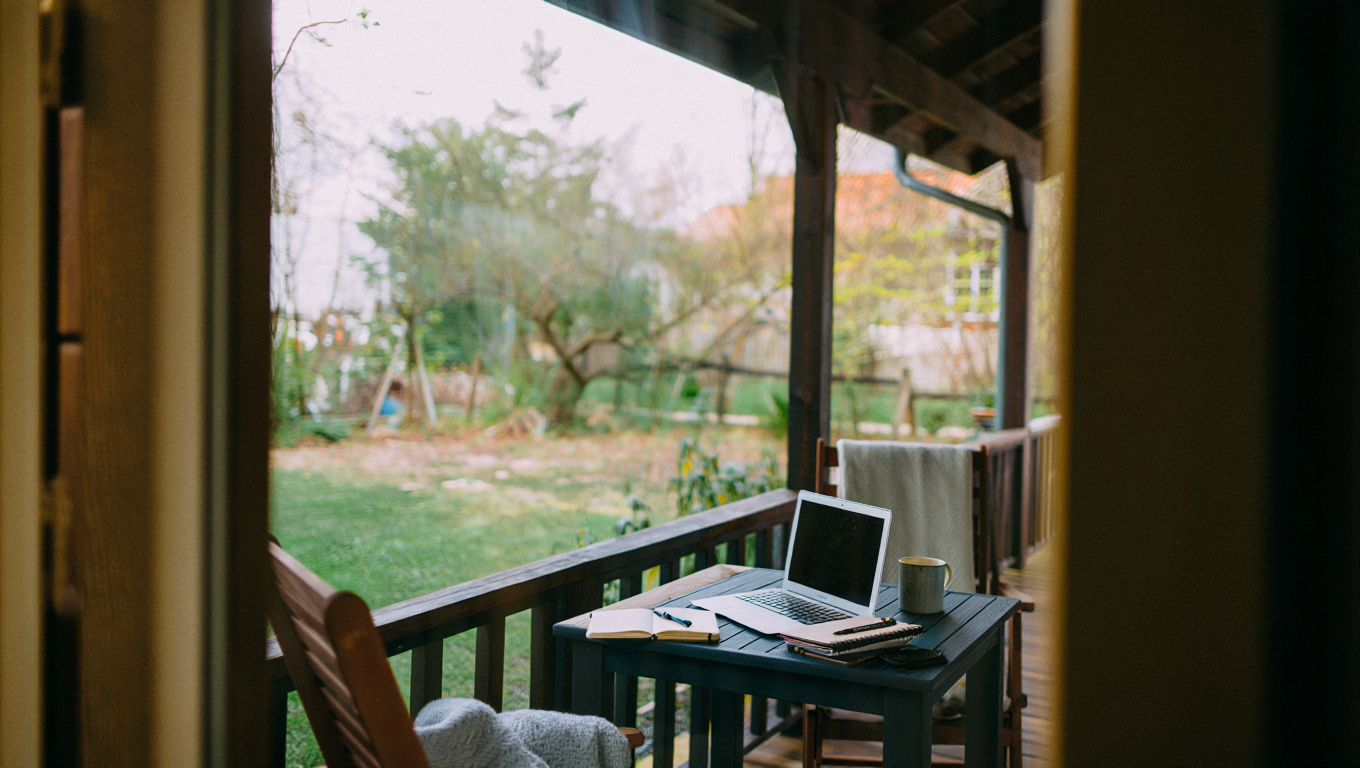
Your laptop is your lifeline on the road. Choose wisely, pack smart, and you’ll be ready to work from anywhere—be it a beach in Portugal or a noisy airport lounge in Atlanta.
Some links above may be affiliate. If you buy through them, it supports this blog at no extra cost to you. Thanks for keeping the coffee flowing!