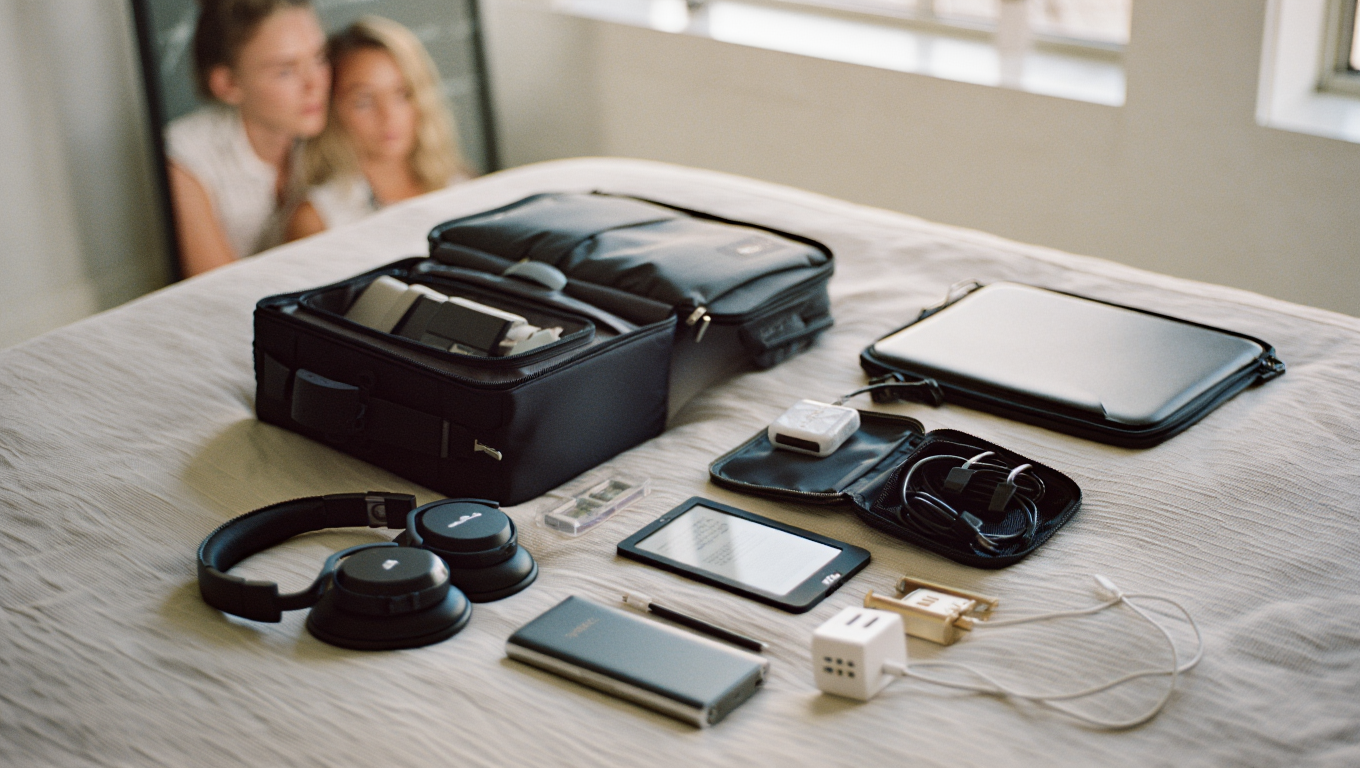
Minimal Travel Tech Setups 2023
If you’d asked me five years ago what a “minimal travel tech setup” looked like, I’d have rattled off a list that could fill a carry-on. Times have changed. Airlines are stricter, chargers are smaller, and my back is just a little bit older. Now, traveling as a remote worker, I need to be nimble, efficient, and ready to set up shop in a hotel lobby or beside a pool in under fifteen minutes. Here’s how I do it—without hauling half of Best Buy with me.
The Struggle: Too Much Gear, Not Enough Hands
Let’s set the scene: You’re rushing through security, your backpack feels like a sack of bricks, and when you finally find a café with decent Wi-Fi, you realize you’ve forgotten your headphone dongle. Been there, done that, bought the overpriced airport adapter.
My turning point came last year, after one too many sprints through the Atlanta airport. I challenged myself to build a setup that fit in a single backpack, weighed less than 5kg (about 11 lbs), and could be set up anywhere in under 15 minutes. Here’s the system I’ve landed on after a lot of trial and error.
Core Components: The Non-Negotiables
These are the three pieces of gear I never travel without. They’re the difference between a productive session and a day of frustration.
“If it doesn’t fit in my bag or make my work easier, it stays home.”
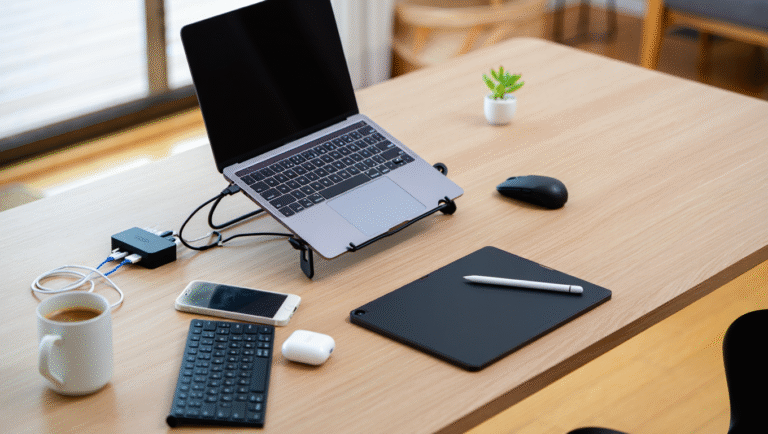
1. Laptop Stand
Why: Ergonomics. I used to hunch over tables and couches, and after a few weeks my neck felt like it belonged to a medieval scribe. A lightweight, foldable laptop stand solves this. I use the Roost Stand 2.0—it’s ultra-light (165g), folds up smaller than a paperback, and sets up in seconds.
Alternatives: Nexstand K2, MOFT Invisible Laptop Stand (if you want something even smaller, though less adjustable).
2. Power Bank
Why: Airports, trains, coffee shops—outlets aren’t always there when you need them. A reliable power bank has saved my bacon more times than I care to admit. Look for something with at least 20,000mAh and Power Delivery (PD) for fast charging laptops and phones.
What I use: Anker 737 Power Bank (24,000mAh, 140W output—can charge a MacBook Pro and phone simultaneously).
3. Noise-Canceling Headphones
Why: The difference between focused work and a day ruined by crying babies, construction noise, or that one guy in the hostel who thinks everyone wants to hear his playlist. I swear by the Sony WH-1000XM5—great ANC, long battery life, and comfortable for hours.
Other picks: Bose QuietComfort 45, Apple AirPods Max (if you’re deep in the Apple ecosystem and don’t mind the weight).
Supporting Cast: Small but Mighty
Here’s what rounds out my kit. These aren’t essential for everyone, but they’ve saved me enough times to earn a permanent spot.
- Multi-port charger: One adapter, 2–3 USB-C/USB-A ports. I use the Anker 735 GaNPrime—tiny and powerful.
- Universal travel adapter: Ceptics or Epicka make solid options—don’t get caught with the wrong plug.
- Short cables: 1ft USB-C, Lightning, and USB-A to USB-C. Less tangle, less weight.
- Mini mouse: Logitech Pebble M350—flat, silent, and fits anywhere.
- External SSD: Samsung T7 Shield, 1TB. Fast, rugged, and pocket-sized.
- SIM ejector tool + spare SIMs: For swapping local data cards on arrival.
How to Pack (and Unpack) in Under 15 Minutes
This is my quick-and-dirty routine for setting up anywhere, whether it’s a train table or a beach bar in Portugal.
Step-by-Step Setup:
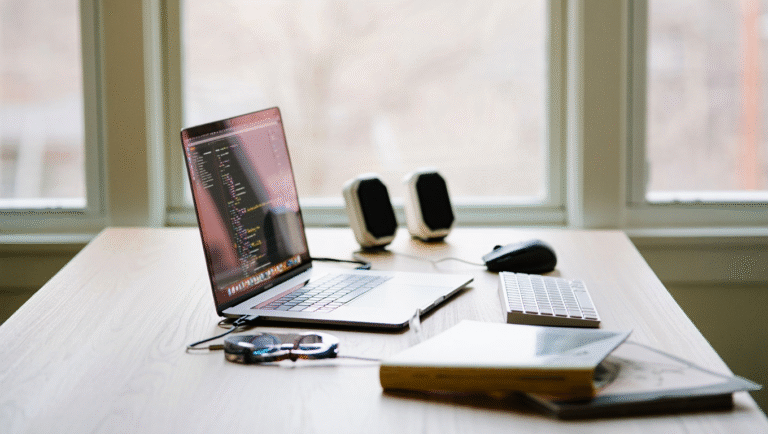
- Pull out the laptop and stand. Snap the stand open, drop the laptop on top.
- Plug in the multi-port charger if there’s an outlet; otherwise, connect to the power bank.
- Unfold your headphones and connect via Bluetooth.
- Plug in the SSD if you need to access heavier files or backups.
- Connect the mouse if you’re doing design or code work.
- Stash all cables and SIM tools in a mini pouch for quick access.
Total time: 8–12 minutes, including fighting with Wi-Fi logins and ordering a coffee.
Minimalist Packing Checklist
| Item | Brand/Recommendation | Weight (approx.) |
|---|---|---|
| Laptop | Apple MacBook Air M2 / Dell XPS 13 | 1.2–1.3kg |
| Laptop Stand | Roost Stand 2.0 / Nexstand K2 | 0.16kg |
| Power Bank (PD) | Anker 737 (24,000mAh, 140W) | 0.63kg |
| Noise-Canceling Headphones | Sony WH-1000XM5 | 0.25kg |
| Multi-port Charger | Anker 735 GaNPrime | 0.13kg |
| Universal Adapter | Epicka Universal Adapter | 0.12kg |
| Short Cables (x3) | Anker/UGREEN 1ft | 0.05kg |
| Mini Mouse | Logitech Pebble M350 | 0.08kg |
| External SSD | Samsung T7 Shield 1TB | 0.09kg |
| SIM Ejector & SIMs | Any | Negligible |
Favorite Tools & Where to Get Them
- Roost Stand 2.0
- Anker 737 Power Bank
- Sony WH-1000XM5
- Anker 735 GaNPrime Charger
- Epicka Universal Adapter
- Samsung T7 Shield SSD
- Logitech Pebble M350
Real-World Test: Lisbon, 2023
Quick story: In the spring, I landed in Lisbon with a client deadline and only 36 hours to deliver. My Airbnb had a wobbly kitchen table and one power outlet—halfway across the room. Because I’d packed light, I managed to set up a mobile office between the kitchen and the balcony. My power bank let me work outdoors, and the noise-canceling headphones drowned out the street jazz. I finished on time, and my back didn’t hate me for it. Sometimes, less really is more.
Final Thoughts
Minimal travel tech isn’t about deprivation—it’s about removing friction so you can get your work done (and then go enjoy where you are). The right setup means you’re flexible, fast, and never the person holding up the boarding line because of a tangle of cables.
Pro tip: Every few months, lay out everything in your bag and ask, “Did I use this on my last trip?” If not, leave it home next time.
Whether you’re heading out for a week or a year, these essentials have kept my workflow smooth and my shoulders happy. Try them out, tweak to your taste, and go get some work done—wherever you are.
This post may contain affiliate links. If you purchase through them, it won’t cost you extra, but it helps keep this site running.