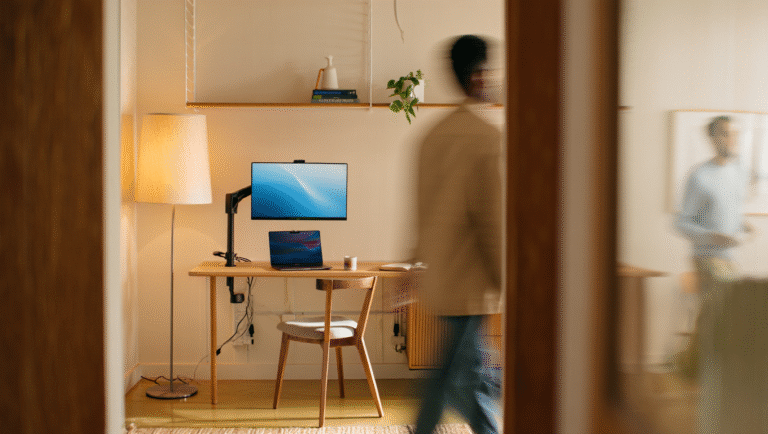
Home Office Ergonomics That Actually Work
It’s easy to ignore ergonomics when you’re working from home. I’ve done it myself: hunched over the kitchen table, balanced on a too-soft couch, or typing away at a coffee shop with a chair that feels like it’s plotting against my back. But after a few years of remote work (and a couple of minor back scares), I learned that a few smart tweaks can change everything—without turning your living room into a medical supply store.
Why Ergonomics Isn’t Just a Buzzword
“Ergonomics” gets thrown around a lot, but here’s the deal: the right setup isn’t about chasing some Pinterest-perfect workspace. It’s about not feeling like a human origami project by 4 PM. Chronic pain, headaches, and fatigue are all real risks when you’re stuck in a bad position for hours. But the good news? Most fixes take less than 15 minutes to set up and don’t require expensive gear.
Common Myths (and What Actually Matters)
- Myth: You need a $1200 chair to be comfortable.
Reality: Chair price ≠ comfort. Support matters more than brand. - Myth: Standing desks are always better.
Reality: Standing all day is just as bad. It’s about movement and variety. - Myth: Only “office people” need ergonomic setups.
Reality: Anyone who sits with a laptop for hours—yes, that includes writers, designers, and coders—benefits from better posture and breaks.
After my first year remote, I spent two months with a nagging shoulder pain. Turns out, my monitor was six inches too low. One stack of books later, and the pain vanished within a week.
The 15-Minute Ergonomic Fix Checklist
Here’s a quick, no-nonsense checklist you can run through right now. You don’t need to buy anything new—just use what you have and tweak as you go.
1. Chair Height & Support
- Feet flat on the floor or a footrest (a box works).
- Knees at or just below hip level.
- Back supported. If your chair is lacking, roll up a towel for lumbar support.
2. Monitor Position
- Top of your monitor at eye level. Use books or boxes if needed.
- Arm’s length away—about 20–28 inches for most people.
- No glare. If you’re squinting, adjust blinds or move your setup.
3. Keyboard & Mouse
- Wrists straight, not angled up or down.
- Elbows bent at 90–110 degrees, close to your body.
- Mouse at the same level as your keyboard.
4. Breaks & Movement
- Set a timer for every 45 minutes. Stand up, stretch, walk.
- Try the 20-20-20 rule: every 20 minutes, look at something 20 feet away for 20 seconds.
- Alternate between sitting and standing if you have a tall surface—no need for a fancy desk.
Real Numbers: The Difference Ergonomics Makes
| Before | After |
|---|---|
| 3–4 headaches/week | 0–1 headache/week |
| Back pain after 2 hours | No pain after 6+ hours |
| Feeling tired by noon | Energy through the afternoon |
| Frequent shoulder tightness | Rare or none |
Note: These are my own results after making basic ergonomic changes. Your mileage may vary, but nearly everyone I know who’s made these tweaks reports a noticeable difference within a week.
Quick Reference: Ergonomics Fixes Cheat Sheet
- Sit so your feet are flat, knees at 90°
- Monitor top at eye level, 20–28″ away
- Wrists straight, elbows relaxed
- Stand/stretch every 45 minutes
- Use a rolled towel for back support if needed
- Adjust lighting to reduce glare and eye strain
Tools & Links
- f.lux — Free app to reduce eye strain from screens
- Stretchly — Break reminder for Windows, Mac, Linux
- 20-20-20 Rule explained
- Ergotron’s Ergonomic Tips
- CDC Ergonomics Resources
One Last Story
A friend of mine used to work from a barstool at his kitchen island. It looked cool, but after a year, he had what he called “permanent flamingo posture.” A quick switch to a basic office chair (and a box for his monitor) fixed things fast. Lesson: it doesn’t have to be expensive, just functional. Your body will thank you.
Some links in this post may be affiliate links. It doesn’t cost you anything extra, but it might help buy me a coffee (or a better lumbar pillow) if you choose to buy through them.