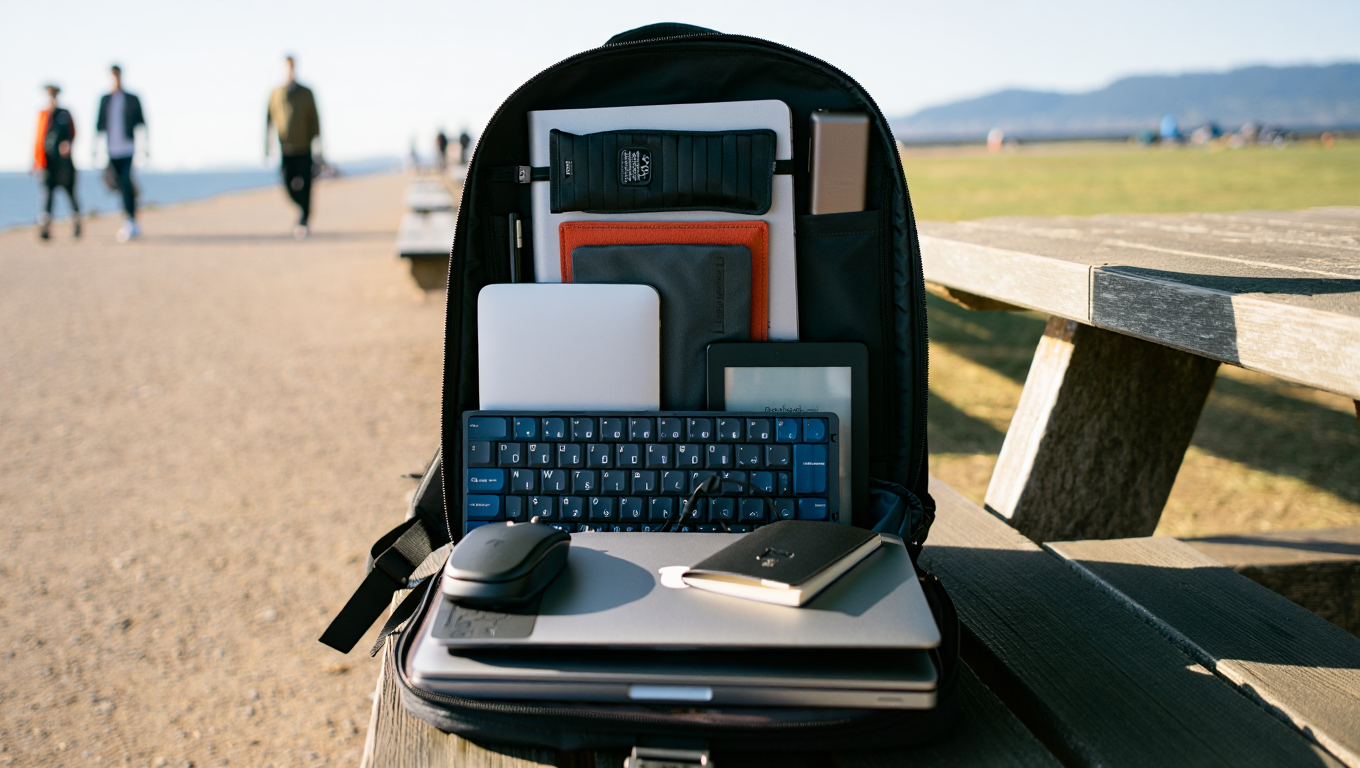
Minimal Travel Tech Setups 2023
Let’s be honest: working remotely while traveling is both a blessing and a logistical headache. You want to stay productive, but dragging around a tech store’s worth of gear can turn your lightweight travel dreams into airport-Tetris nightmares. In 2023, there’s no excuse for lugging extra pounds. The right minimal tech setup keeps you flexible, efficient, and—dare I say—happier on the road.
Why Less Tech Is Actually More
Here’s a hard truth I learned during a month in Lisbon last year: every extra cable or “just-in-case” device is another thing to lose, break, or hate. Minimalism isn’t about deprivation; it’s about intentionality. Each item in your bag earns its place by proving its value, day after day.
“The best tech is the gear you actually use, not the stuff that collects dust at the bottom of your backpack.”
So, what makes the cut for a no-fuss, high-performance travel setup? After years of trial, error, and too many fried adapters, here’s my current (and tested) formula.
The Core Three: Essentials for Every Remote Worker
- Laptop Stand – Because nobody’s neck should have to suffer through a month of café chairs.
- Power Bank – Your lifeline during long flights, layovers, or when the only outlet is being hogged by a guy charging his e-bike.
- Noise-Canceling Headphones – Block out crying babies, construction noise, or the enthusiastic espresso machine in your favorite coworking spot.
Case Study: The 15-Minute Setup That Works Anywhere
Picture this: I land in Prague, tired and behind on a project. My Airbnb isn’t ready, so I duck into a nearby bakery with Wi-Fi (and, crucially, coffee). I’ve got exactly 15 minutes before my first call. Here’s what I do:
- Whip out the laptop stand. I use the Nexstand K2. Folds up smaller than a water bottle, sets up in 10 seconds. No more hunchback posture.
- Plug in my power bank. The Anker PowerCore 10000 PD Redux charges my laptop and phone simultaneously. Cables are stashed in a zip pouch—no spaghetti mess.
- Slip on noise-canceling headphones. My current pick: Sony WH-1000XM5. I’m instantly in my own bubble, even as the barista fires up the grinder.
Time to productivity: 3 minutes, tops. The rest of my setup? Just a small mouse, a USB-C hub, and a roll-up cable organizer. That’s it. No regrets, and my back (and sanity) thank me every day.
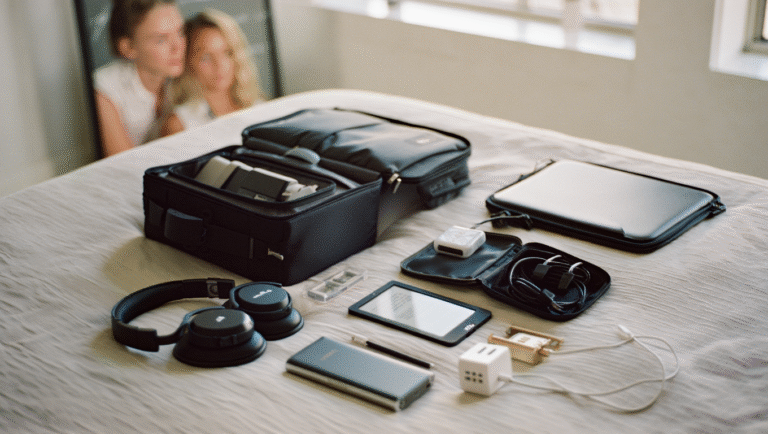
Minimal Tech Packing Checklist
| Item | Why It’s Essential | Recommended Model |
|---|---|---|
| Laptop Stand | Ergonomics, posture, portable | Nexstand K2 / Roost V3 |
| Power Bank (10,000mAh+) | Stay charged anywhere | Anker PowerCore/ Zendure SuperMini |
| Noise-Canceling Headphones | Focus, peace, calls | Sony WH-1000XM5 / Bose QC45 |
| Multi-port USB-C Hub | Connect everything, everywhere | Anker 7-in-1 / Satechi Slim |
| Universal Power Adapter | Don’t get stranded abroad | EPICKA Universal Travel Adapter |
| Roll-up Cable Organizer | No tangles, easy access | BAGSMART Travel Organizer |
| Compact Mouse | Wrist comfort, precision | Logitech Pebble M350 |
Optional, But Handy
- Portable SSD (Samsung T7/T5): If you work with big files.
- Webcam cover: For a little extra privacy.
- Second SIM/eSIM solution: For instant local data. Check out Airalo or GigSky.
What To Leave Behind
This stings, but it’s liberating. Here’s what I stopped bringing after too many trips:
- Big surge protectors (most modern adapters have built-in protection)
- Physical notebooks (switched to GoodNotes on an iPad mini)
- Backup laptops/tablets (insurance and reliable cloud backups are your friends)
- Multiple chargers (just one high-wattage USB-C charger is enough—really!)
“Your shoulders—and the airport security line—will thank you.”
Tools & Links I Actually Use
- Nexstand K2 Stand – sturdy, cheap, fits in any bag
- Anker Power Banks – reliable, TSA-friendly
- Sony WH-1000XM5 – the king of noise canceling
- EPICKA Travel Adapter – all-in-one, works in 150+ countries
- Logitech Pebble M350 – perfectly pocketable mouse
- BAGSMART Organizer – keeps cables from mutating
- Samsung T7 SSD – fast, tiny, durable
15-Minute Travel Tech Setup: Quick Reference
- Unpack only what you need: stand, laptop, charger, headphones
- Plug in & connect to Wi-Fi
- Check power (use your bank if needed)
- Start work—no hunting for adapters, no untangling cords
Final Thoughts
Minimal travel tech is about making space for your life, not your stuff. Streamlining your setup is a game-changer, whether you’re hopping between Airbnbs or logging hours in a new city café. You might have to try a few combos before you find your sweet spot, but your back and brain will thank you.
Some links in this post may be affiliate links. You pay the same price, but I may earn a small commission to keep this blog running (and my coffee cup full).