10 Years Remote: What Really Matters in a Home Office
Ten years ago, I unplugged my desktop from a fluorescent-lit office, stuffed it in the trunk, and declared myself a full-time remote worker. I had dreams of working from beachside cafés and mountain cabins. The reality? Most days I sit at the same desk, in the same house, quietly grateful for a high-speed modem and a chair that doesn’t murder my back.
After a decade of working from home (and from the occasional rental with questionable Wi-Fi), I’ve learned what truly makes a home office work—and, just as importantly, what’s a waste of money. Forget the Pinterest-perfect setups and the hundred-dollar desk plants. If you’re serious about remote work for the long haul, here’s what actually matters.
1. Internet Reliability: The Non-Negotiable
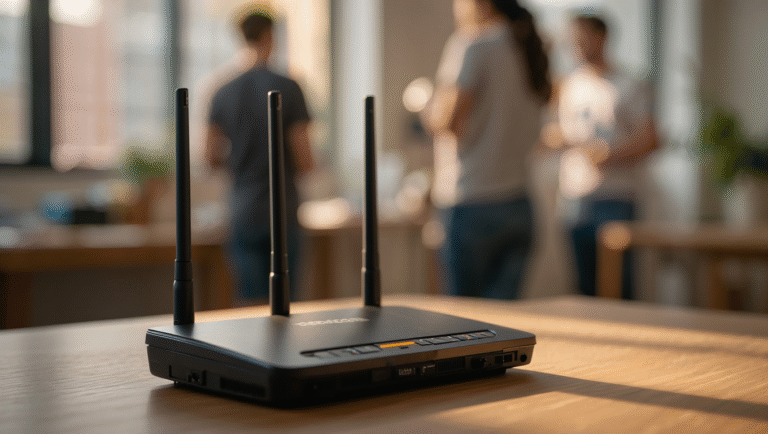
No internet, no work. It’s that simple. Your entire remote career depends on a stable, speedy connection. Yet, I still meet folks working on spotty Wi-Fi or relying on a single provider. That’s living on the edge, and not in a good way.
My hard-earned lesson: In 2018, my primary ISP went down for eight hours. I missed a client call that cost me a week’s worth of income. Never again.
How to Guarantee Reliable Internet:
- Primary wired connection (fiber, cable, or DSL) — aim for at least 100 Mbps down, 20 Mbps up.
- Backup connection: Use your phone’s hotspot or a dedicated 4G/5G modem. Test monthly.
- UPS (Uninterruptible Power Supply): Keeps your router/modem running during brief outages. A $70 UPS will give you 30–60 minutes of juice.
- Ethernet over Wi-Fi: Wired is always more stable than wireless. If possible, plug in.
“The only thing worse than a dropped Zoom call is explaining to your client why you sound like a robot underwater.”
2. Backup Power: An Insurance Policy You’ll Actually Use
Power outages don’t care about your deadlines. In North Carolina, thunderstorms are a summer tradition. I’ve lost work to them more times than I’d like to admit.
Practical Steps:
- Get a UPS (Uninterruptible Power Supply). Size it for your modem, router, and laptop. I use the APC Back-UPS 850VA — about $120, gives me 45 minutes.
- Surge protector for everything else. Don’t fry your gear.
- Know your power draw. Most laptops use 45-90W; routers are 10-20W.
- Test your backup every 2–3 months. Unplug the UPS and make sure your critical gear stays up.
“A $100 battery can save a $1,000 contract. Ask me how I know.”
3. Chair: The Secret to Staying Sane (and Upright)
Forget the standing desk hype (unless you truly love it). The chair is the real MVP of your home office. I’ve cycled through $50 IKEA specials, $200 gaming chairs, and finally caved for a used Herman Miller Aeron. My back has sent me a thank you note every day since.
What Actually Matters in a Chair:
- Adjustability: Height, armrests, lumbar support.
- Breathable mesh or fabric: Especially in warm climates.
- Try before you buy: Or buy from somewhere with a return policy.
- Used is fine: Office liquidators often have premium chairs for half price. My Aeron was $350 (vs. $1,200 new).
4. Desk: Don’t Get Fancy
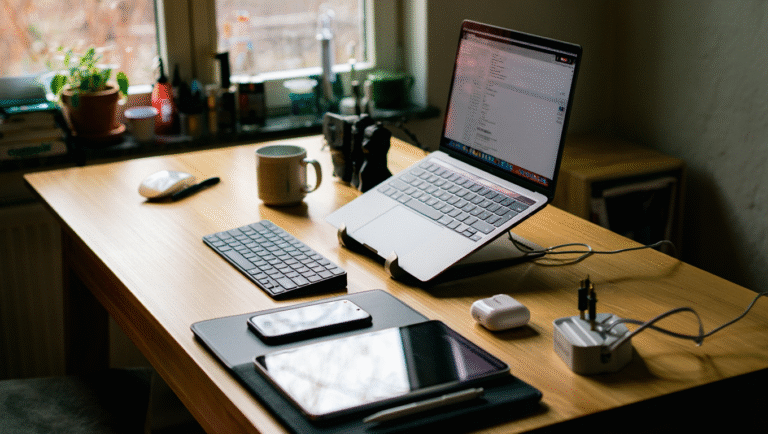
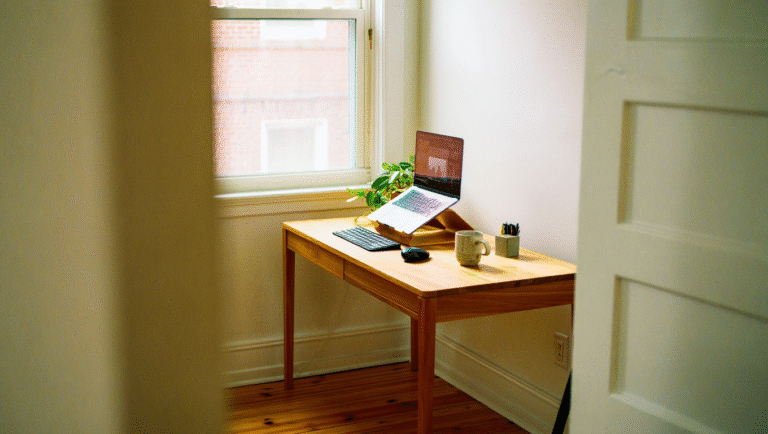
Here’s my hot take: your desk is less important than your chair. Simple, sturdy, big enough for your gear. That’s it. Save your money for other upgrades.
Quick Tips:
- Depth matters: 30” deep is ideal for monitor + keyboard space.
- Don’t overpay: IKEA, Wayfair, or even a used kitchen table works.
- Cable management: A $10 pack of Velcro ties can save your sanity.
5. Lighting: Don’t Work in the Dark
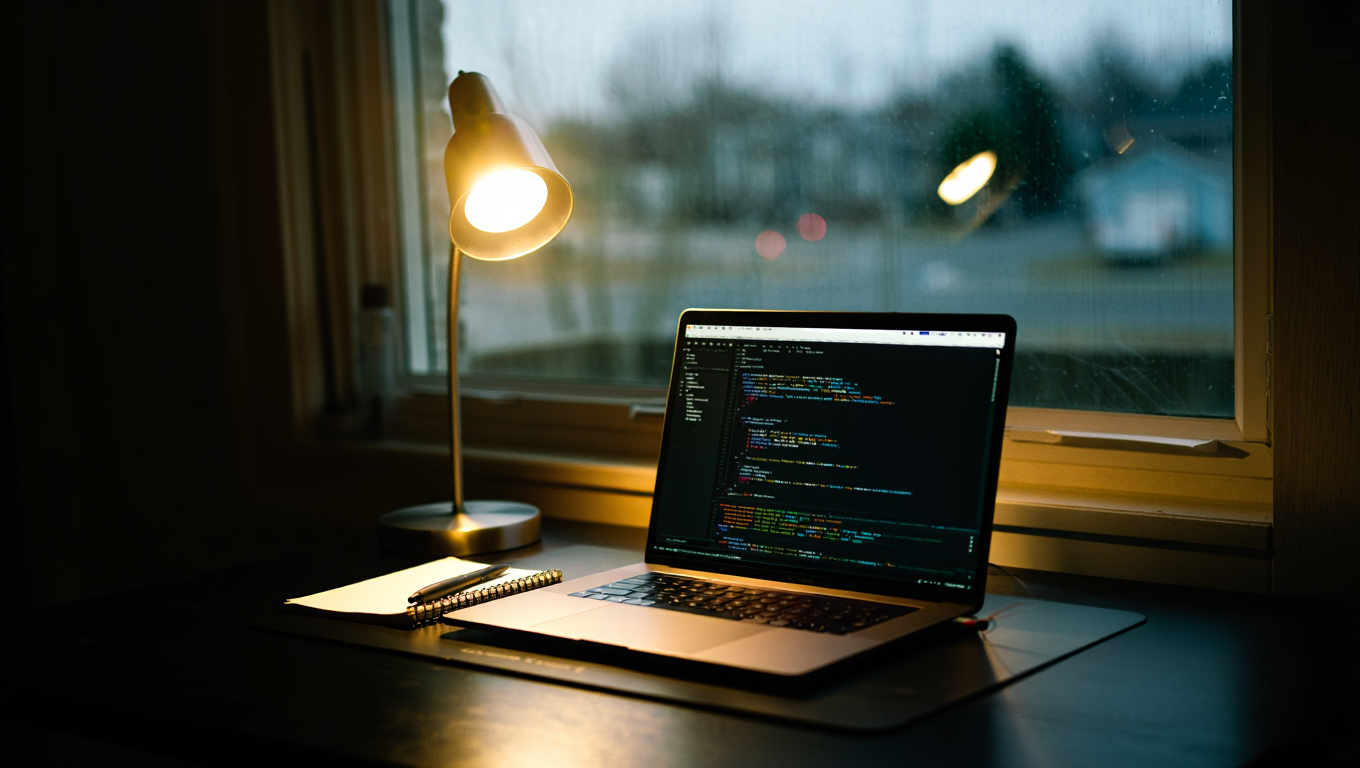
Bad lighting = headaches and eye strain. Good lighting = you look less like a cave dweller on video calls.
- Natural light: Set up near a window if you can.
- Desk lamp: Adjustable, with warm/cool settings.
- Ring light: For client calls or streaming — $20 on Amazon.
6. Sound: Headphones Save Marriages
Whether it’s kids, dogs, or traffic, noise happens. Invest in decent headphones. I use the Sony WH-1000XM4 ($250, but worth every cent after my neighbor started learning the drums).
- Noise-canceling: Block distractions.
- External mic or headset: For clear calls.
7. Don’t Overspend on Gadgets (But Don’t Be Cheap Where It Counts)
*You don’t need a $2,000 standing desk, an espresso machine, or a wall of monitors.*
What you do need is a setup that lets you work comfortably, consistently, and with as little friction as possible. If you’re tempted to splurge, ask: Will this genuinely improve my workday for the next year?
Step-by-Step: Building a Home Office That Works
- Audit your current setup: What’s working? What’s causing pain (literally or figuratively)?
- Upgrade internet (primary and backup).
- Add backup power (UPS for modem/router/laptop).
- Invest in the best chair you can afford.
- Get a simple, sturdy desk.
- Sort your lighting and sound.
- Set rules: work hours, breaks, boundaries.
15-Minute Home Office Audit Checklist
| Item | Check | Action Needed? |
|---|---|---|
| Internet speed & stability | ✔️/❌ | Upgrade/Test Backup |
| Backup power (UPS) | ✔️/❌ | Buy/Test |
| Ergonomic chair | ✔️/❌ | Research/Upgrade |
| Desk space | ✔️/❌ | Rearrange/Replace |
| Lighting | ✔️/❌ | Adjust/Add Lamp |
| Noise control | ✔️/❌ | Headphones/Rules |
| Cable management | ✔️/❌ | Tidy Up |
Recommended Tools & Links
- Speedtest.net – Check your internet speed
- APC UPS – Reliable backup power
- Herman Miller Aeron – Gold standard ergonomic chair (used is fine!)
- IKEA – Affordable desks & accessories
- Sony WH-1000XM4 – Noise-canceling headphones
- Amazon – Ring Lights
- Velcro Cable Ties
What I’d Do Differently (If I Could Start Over)
If I had a time machine, I’d skip the endless desk upgrades and focus on critical comfort and reliability. The money I wasted on “productivity” gadgets could have bought a small mountain of ergonomic bliss. Don’t be me: spend where it counts, test your setup regularly, and keep it simple.
“Your home office isn’t a showroom. It’s your cockpit. Make it functional, not fancy.”
Some links may be affiliate. You pay the same price, and this blog may earn a small commission.